


Headunit Reloaded APK
- Version
- 8.2.0
- Size
- 6.7 MB
- Category
- Maps & Navigation
Screenshots
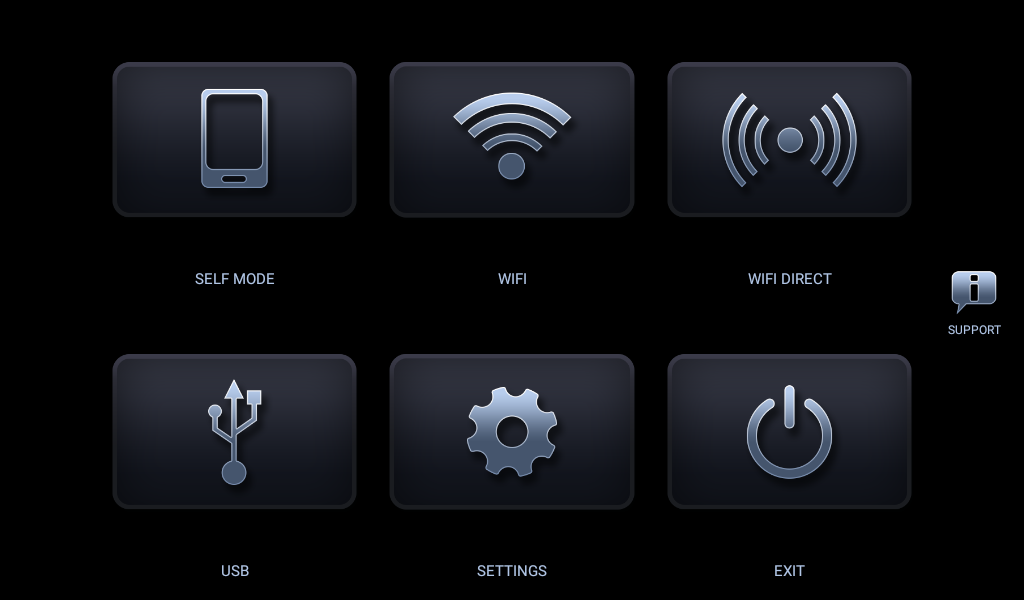
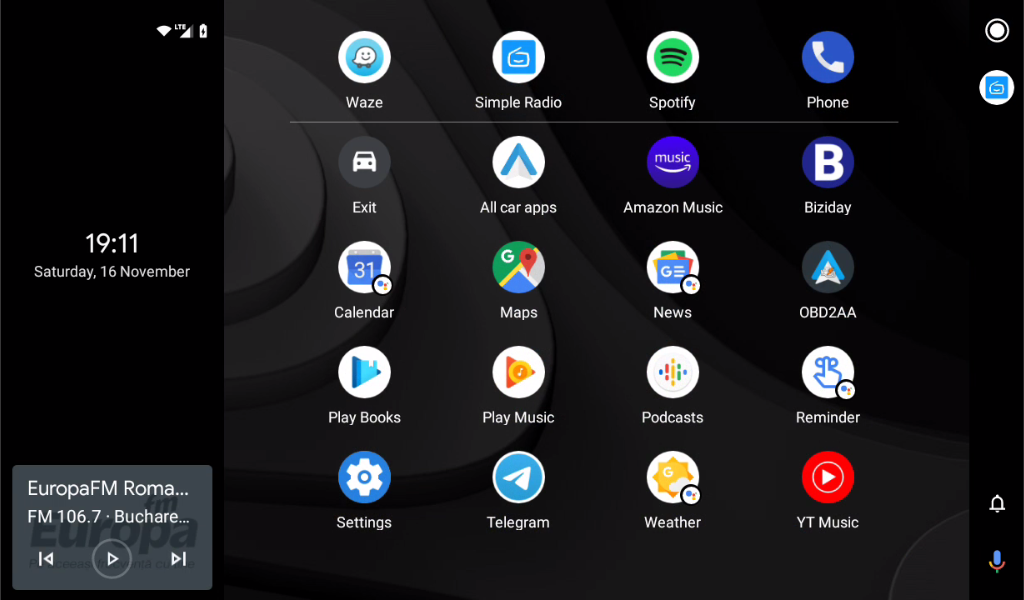
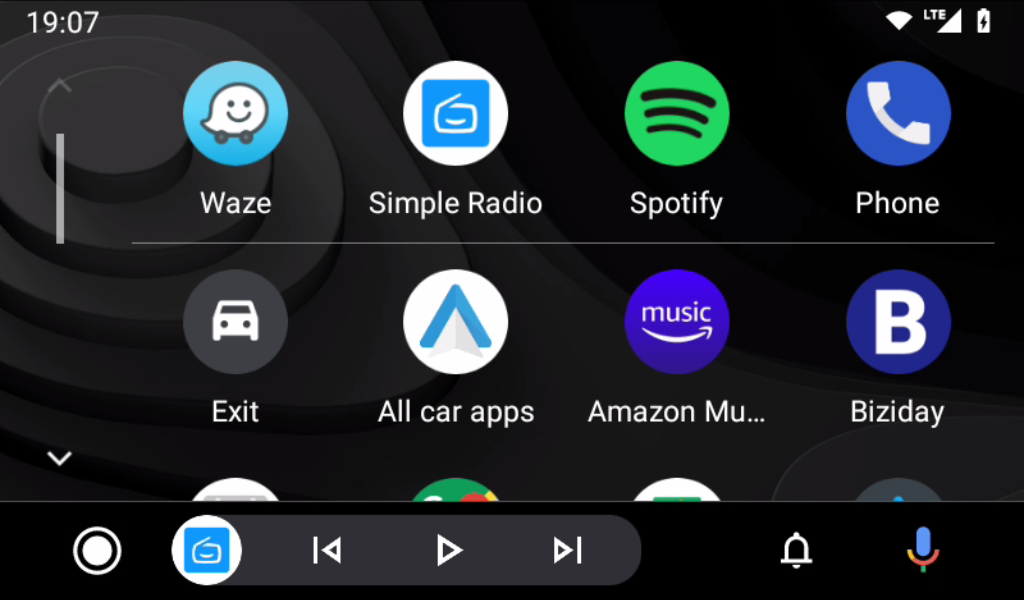
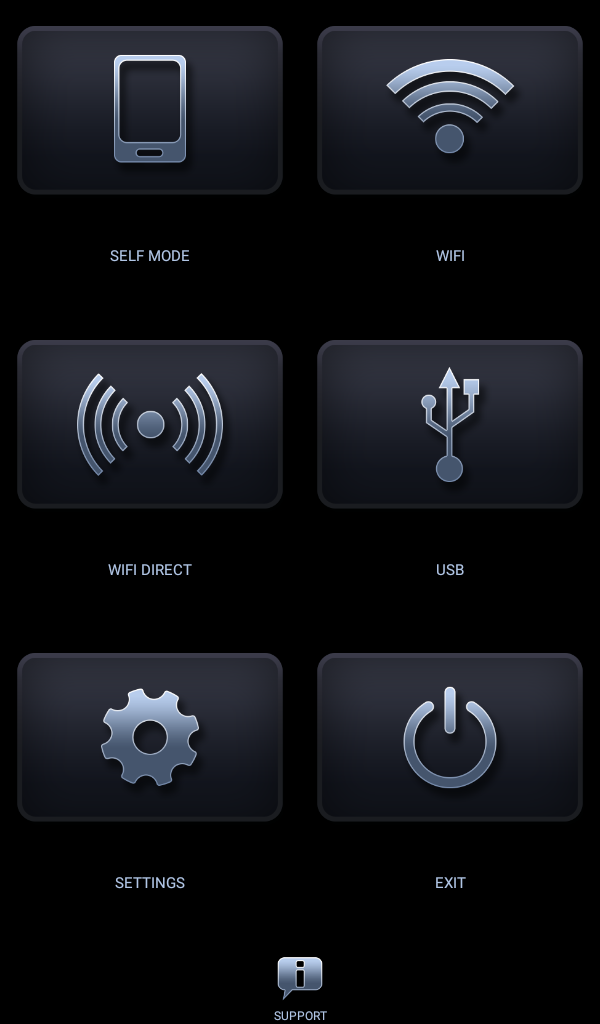
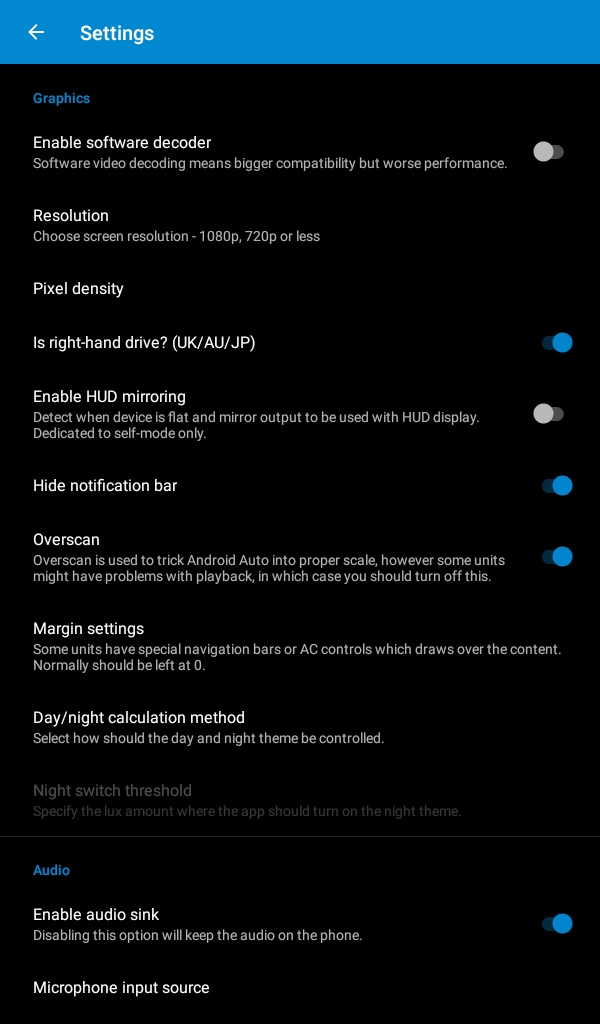
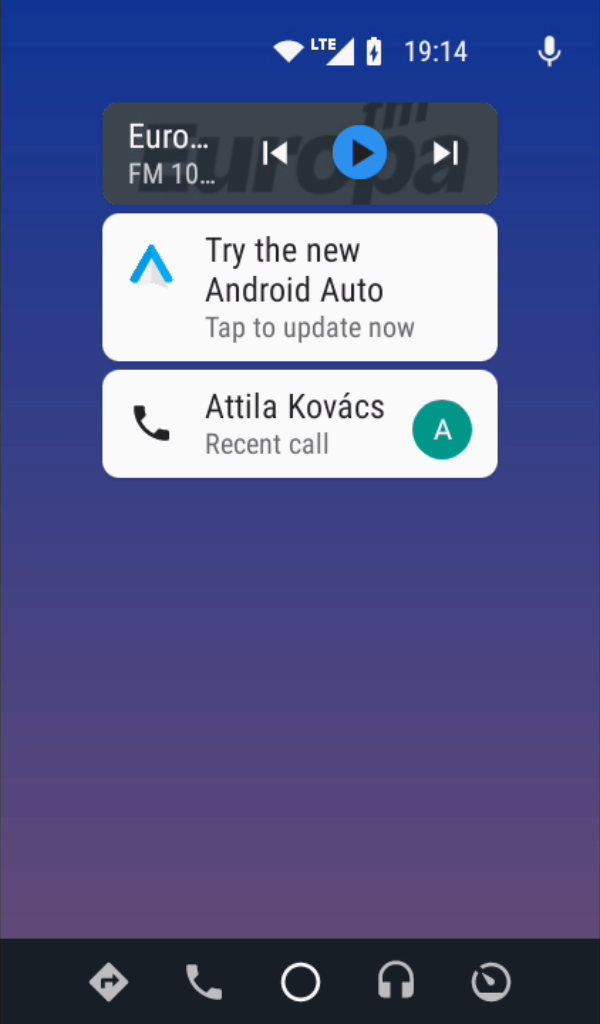
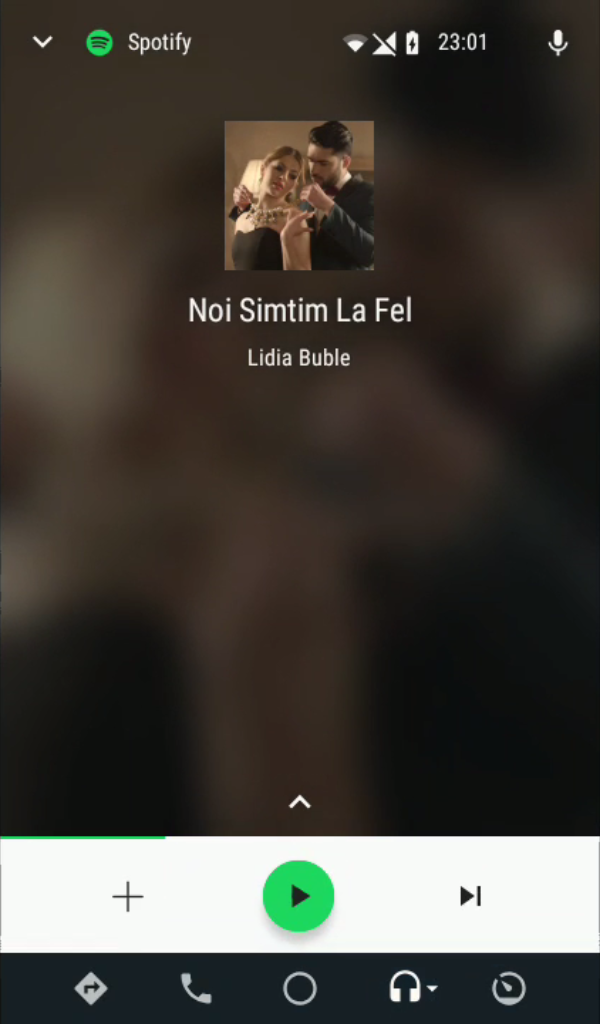
What's new
Version 8.2.0 is the newest build on APKBlade, updated 18 August 2026.
Transform Your Drive with Android Auto.
Is your car’s infotainment system outdated? Do you wish you had the latest tech at your fingertips while driving? Check out Headunit Reloaded. This app lets you use Android Auto on your tablet or Android head unit. In this post, we’ll explain what Headunit Reloaded is, its benefits, how it works, and why it could upgrade your driving experience.
What is Headunit Reloaded?
Headunit Reloaded, also called HUR, is an app that replicates the Android Auto experience on Android devices. This means you can enjoy Android Auto features like navigation, music streaming, and hands-free calling on devices not initially designed for it. It’s a great way to give new life to an old tablet or upgrade an Android head unit without built-in Android Auto support.
Key Features and Advantages
- Turns Any Android Device into an Android Auto Hub: HUR lets you convert almost any Android tablet or head unit into an Android Auto device. Perfect for older models without this built-in.
- Broad Compatibility: HUR works with many devices, including Joying, Eonon, Grom Vline, Xtrons, PX5 and PX3 units, A-Sure, RK3188 units, RK3066 units, Avin, and other Android-powered head units.
- Wireless Connectivity: You can connect your phone to the head unit wirelessly using a Wi-Fi hotspot, allowing for a seamless and cable-free experience.
- Regular Updates: The app is regularly updated to ensure compatibility with the latest versions of Android Auto and to introduce new features.
How to Use Headunit Reloaded
Using Headunit Reloaded is a straightforward process. Here’s how you can get started:
- Download the APK: You can download the Headunit Reloaded MOD APK here without visiting another website. The APK is an untouched paid version with the original hash signature, ensuring it’s safe and secure to install.
- Install the APK: Once downloaded, install the APK on your Android tablet or head unit. You might need to enable installation from unknown sources in your device’s security settings.
- Connect to Wi-Fi: If you’re using a phone as a hotspot, ensure your tablet or head unit is connected to the phone’s Wi-Fi network.
- Launch HUR: Open the Headunit Reloaded app and follow the on-screen instructions to connect to Android Auto.
- Enjoy Android Auto: Once connected, you can access all the features of Android Auto, including Google Maps, music apps, and voice commands.
Why Choose Headunit Reloaded?
- Cost-Effective: Instead of buying a new head unit with Android Auto, you can save money by upgrading your device using HUR.
- Customization: With an Android tablet as your head unit, you have more freedom to customize the interface and apps to your liking.
- Ease of Use: HUR is designed to be user-friendly, with a simple setup process and intuitive interface.
- Improved Experience: You’ll enjoy a more connected and modern driving experience by adding Android Auto to your car.
What Do Users Say?
Many users say HUR gives new life to old car screens and tablets. They love how it runs the Android Auto app perfectly from a phone. It also works for CarPlay with the right setup. Users appreciate the wireless feature. You don’t need cables to connect your phone.
Some users have issues connecting to Wi-Fi, though. Their phone doesn’t always link up smoothly to the car screen. But these problems depend on each user’s device and can usually be fixed.
In Summary
The Headunit Reloaded Emulator (HUR) is great for upgrading your car’s screen system. It works with many devices and is simple to use. You get all the benefits of Android Auto. Whether you want to reuse an old tablet or improve an Android screen, HUR is a good choice.
You can download the Headunit Reloaded app right here. Start upgrading your driving experience today! Say goodbye to outdated systems. Say hello to a smarter, more connected drive with Headunit Reloaded.
More About Headunit Reloaded
| Name | Headunit Reloaded |
|---|---|
| Package Name | gb.xxy.hr |
| Category | Maps & Navigation |
| Version | 8.2.0 |
| Size | 6.7 MB |
| Last Updated | 18 August 2026 |
How to Install Headunit Reloaded
- Tap the download button and let the file finish.
- Open the file from your notifications or the Downloads folder.
- If Android asks, allow your browser to install unknown apps.
- Tap Install, then open the app.
FAQ'S
How to install Headunit Reloaded on android phone?
Once you've downloaded the APK file, click on the downloaded file, then hit the "Install" button.
I am getting Play Protect warning while installing!
Some mod APK files might get a warning. You can ignore this warning and install the APK file. Follow these simple steps to turn off Play Protect: Open Google Play app > Click Profile Icon > Select Play Protect -> Setting > Turn off both "Scan apps with Play Protect" and "Improve harmful app detection" options.
How to update APK without losing the data?
To update APK without losing the data, you don't need to follow anything extra. Click on the downloaded APK file and click the "Install" button. The app will update automatically without loss of data.
How to fix problems while installing/opening?
Make sure you have downloaded the file correctly. The downloaded file extension must end with .apk file. If you face any package install error, redownloading the file may fix the issue.


















Ratings and reviews
There are no reviews yet. Be the first one to write one.